Give your website a working contact form.
Your site can be a static page, an Astro project, or something your agent built. Sitebase handles the form submissions, stores the messages, and notifies your team.
Sitebase is in private beta. Public signup isn't open.
What you get
- Read submissions in your dashboard and export them as CSV.
- Get dashboard and email notifications for new messages.
- Use Turnstile, a honeypot, and rate limiting to reduce spam.
Try a sample
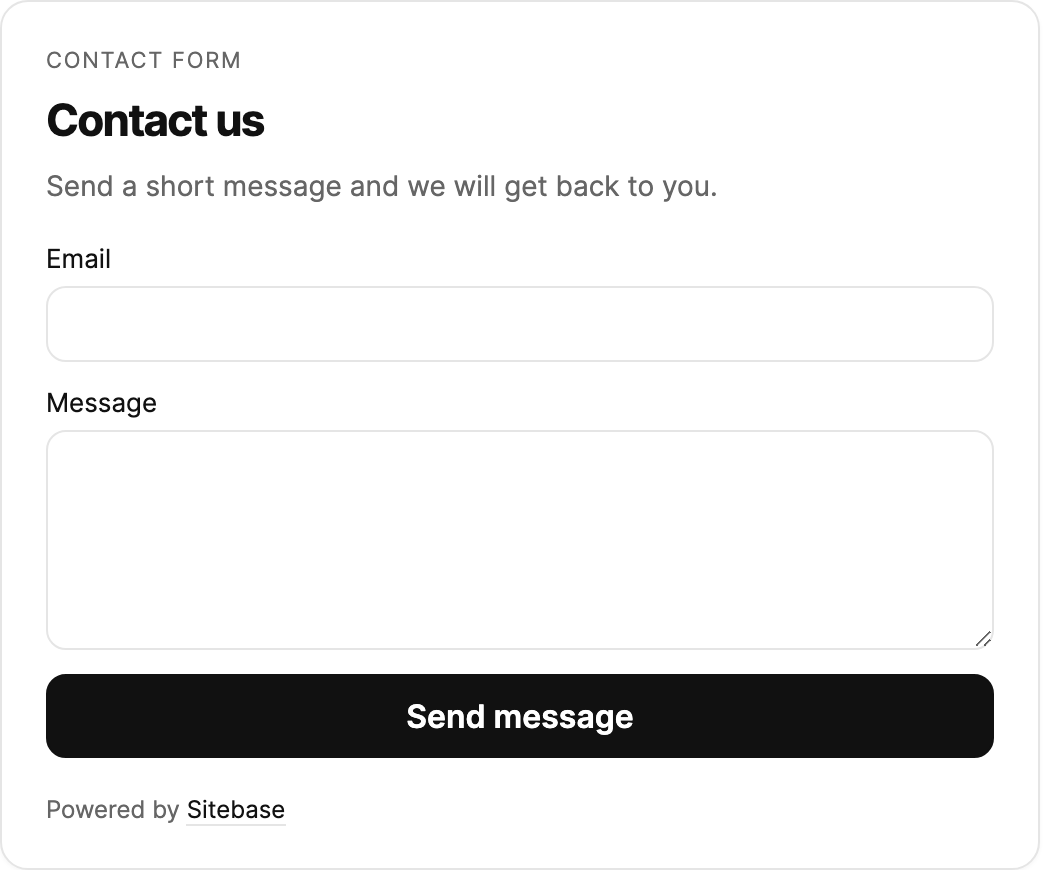
This is an interactive example with sample data. Form entries are never submitted to Sitebase.
Sample complete. On your site, this would appear in your Sitebase dashboard.
In your dashboard
How to install it
- Add a contact form to your site in Sitebase and edit its fields and copy.
- Enable spam protection. Configure real Turnstile keys before going live.
- Paste the script snippet where the form belongs, or use the hosted embed URL on a platform that accepts URL embeds.
- Send a test message from your published site. Check the Data tab and your notification settings.
Read the setup docs · Read the walkthrough
Before you install
Sitebase receives messages through its embedded form. It does not turn an existing HTML form into a Sitebase form just by adding the analytics tracker.
Works with your site
The script snippet works on regular websites. For platform setup, see WordPress, Shopify, Webflow, Wix, Squarespace, or Notion. For agent workflows, see Cursor, Claude Code, or Lovable.