See how people find and use your website.
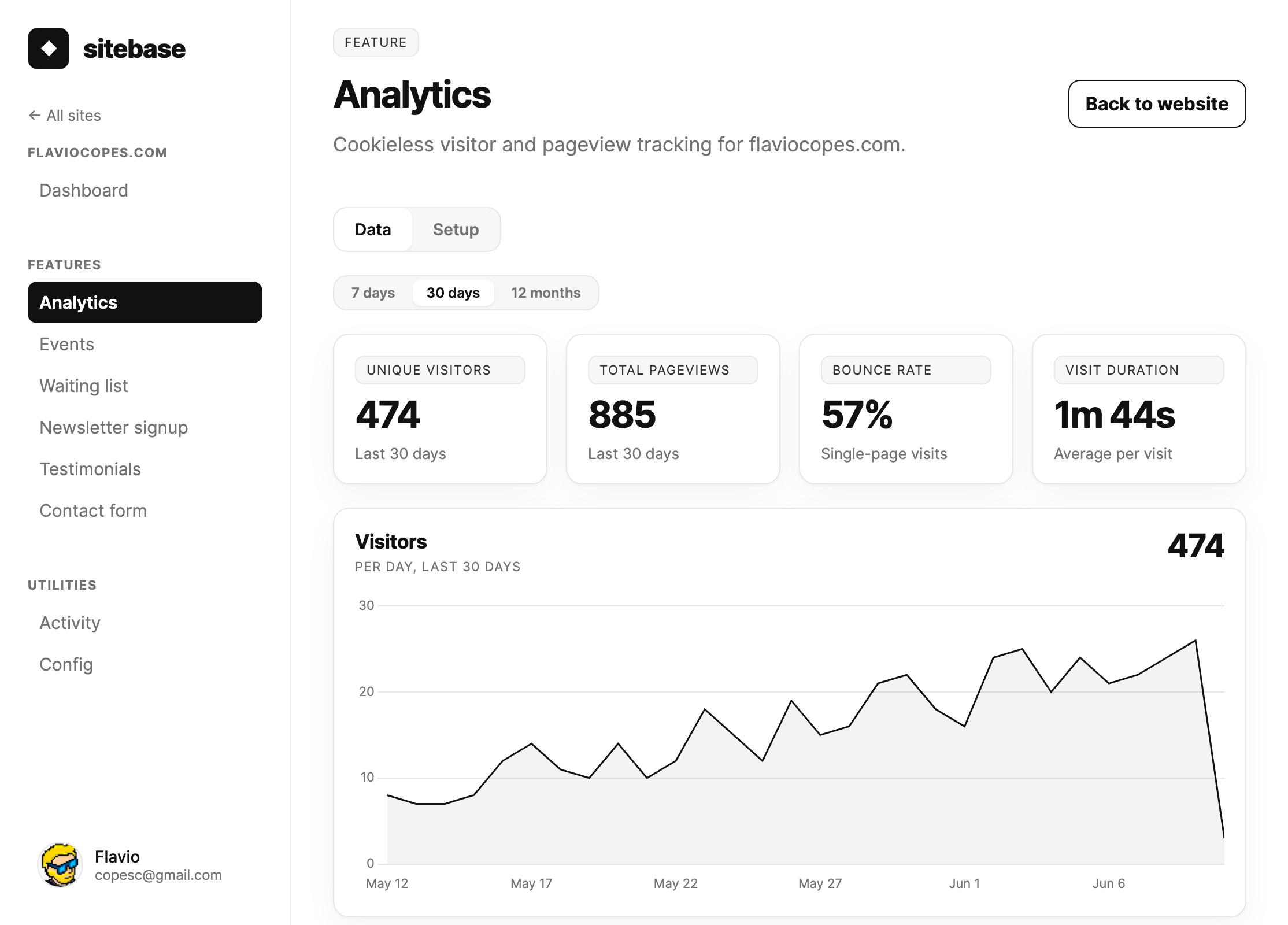
Install the tracker in your shared layout to see traffic across your site. Pageviews, sources, countries, and devices appear alongside your forms and subscribers.
Sitebase is in private beta. Public signup isn't open.
What you get
- Track pageviews and visitors without browser cookies.
- See popular pages, referral sources, countries, and devices.
- Track custom events and build funnels when you need conversion data.
Try a sample
This is an interactive example with sample data. Form entries are never submitted to Sitebase.
- Visitors
- 124
- Pageviews
- 208
Example top source: Google. Example top page: /launch.
In your dashboard
How to install it
- Enable Analytics for your site in Sitebase.
- Copy the site-level tracker from the Setup tab and add it to the shared layout.
- Publish the site and visit a few pages, including a client-side navigation if your site uses one.
- Open the Data tab to check pageviews and sources. Add custom events separately for actions such as button clicks.
Read the setup docs · Read the walkthrough
Before you install
Analytics tracks activity after installation; it cannot recover earlier traffic. Raw visitor-level detail is retained for about six months. Daily aggregate retention depends on your plan. URL embeds on platforms such as Notion do not provide a full-site tracker.
Works with your site
The script snippet works on regular websites. For platform setup, see WordPress, Shopify, Webflow, Wix, Squarespace, or Notion. For agent workflows, see Cursor, Claude Code, or Lovable.