Submissions and data
Everything your features collect lands in the dashboard, organized per feature.
Where the data lives
Open a feature and scroll to the Data card. What you see depends on the feature type:
- Waiting list and newsletter signup — the list of people, with email, name, and signup date. You can search by email or name, filter by status (active, pending, unsubscribed, suppressed), and page through large lists. Per-row actions: unsubscribe, re-activate, resend confirmation, or delete.
- Lead magnet — the list of people who requested the file. Sent means the email went out; downloaded means they opened the download link and confirmed their email.
- Forms — an inbox with columns generated from your fields. New submissions appear bold; expanding one marks it read. Uploaded files appear as private dashboard links.
- Contact form — an inbox-style list. New messages are bold with a "New" badge. Expand to read, Reply opens your email client with the sender's address, and Archive moves it out of the main view.
- Testimonials — submitted quotes with their status: pending, approved, or rejected. This is also where you edit, delete, pin, reorder, manually add, and download share images for them.
- Countdown timer — no Data tab. It displays a deadline and can load a waiting list below it, but it does not collect data itself.
- Status page — 90-day uptime bars per monitor. Incidents and monitor management have their own tabs.
CSV export
Subscriber lists (waiting list, newsletter, lead magnet) and form submissions can be exported as CSV. The Data tab shows an Export CSV button with the total count. The download includes all columns — email, name, status, timestamps, source URL, and consent text for subscribers; all configured fields for forms.
Signup trends
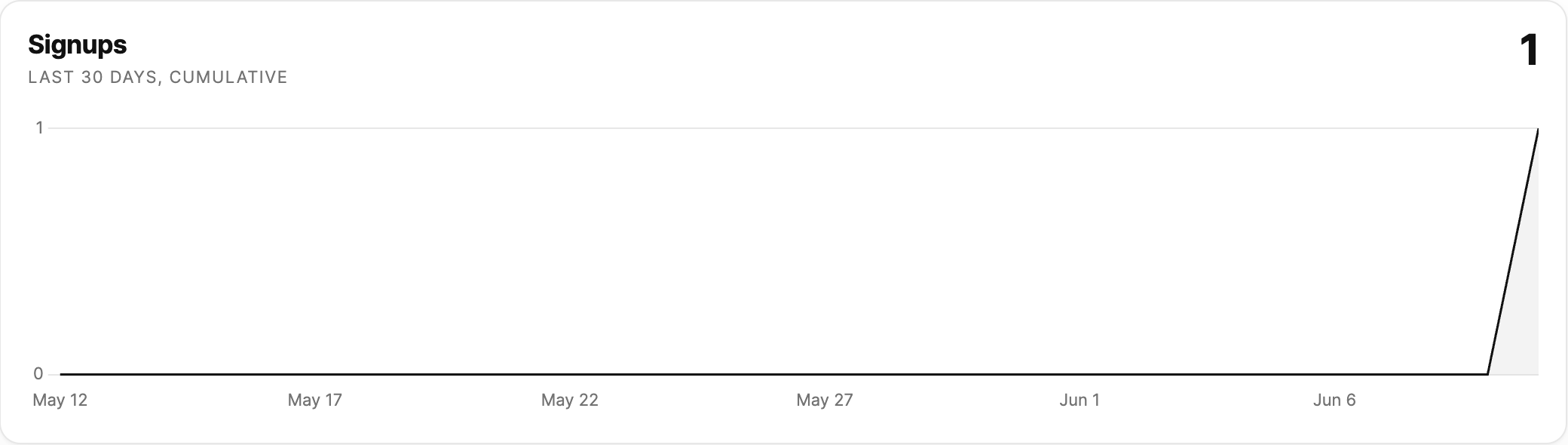
Waiting lists, newsletter signups, lead magnets, and custom forms also show a chart above the data: the cumulative number of people or responses over the last 30 days. Hover the line to see the exact count on any date.
Email notifications
You don't need to keep the dashboard open. When someone submits a form, Sitebase emails the workspace owner and every collaborator, so you all hear about new messages and signups as they happen. Notification emails for contact forms and custom forms include the message body, and Reply-To is set to the sender's email so you can reply directly from your inbox.
Live counts
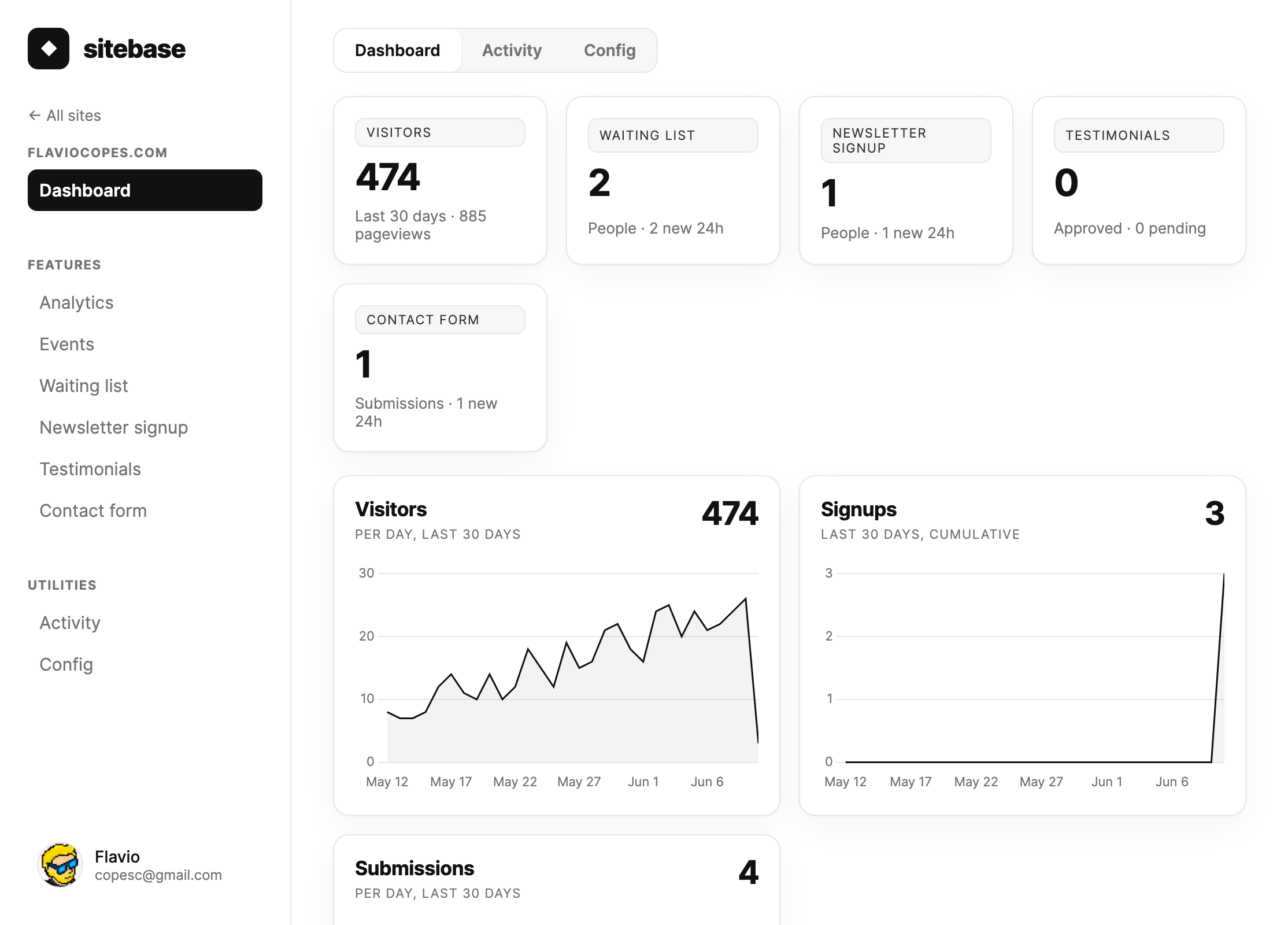
The feature panels at the top of your website page show running totals — people collected and new activity in the last 24 hours — so you can spot momentum at a glance.
Next: Notifications