Waiting list
A waiting list gives people one clear action before you are ready to sell, launch, or open access: leave an email and be first to know.
When to use it
Use a waiting list for a product launch, a new course, a beta, a private community, or a service that opens in batches. The form is small on purpose: less friction means more people join.
How it works
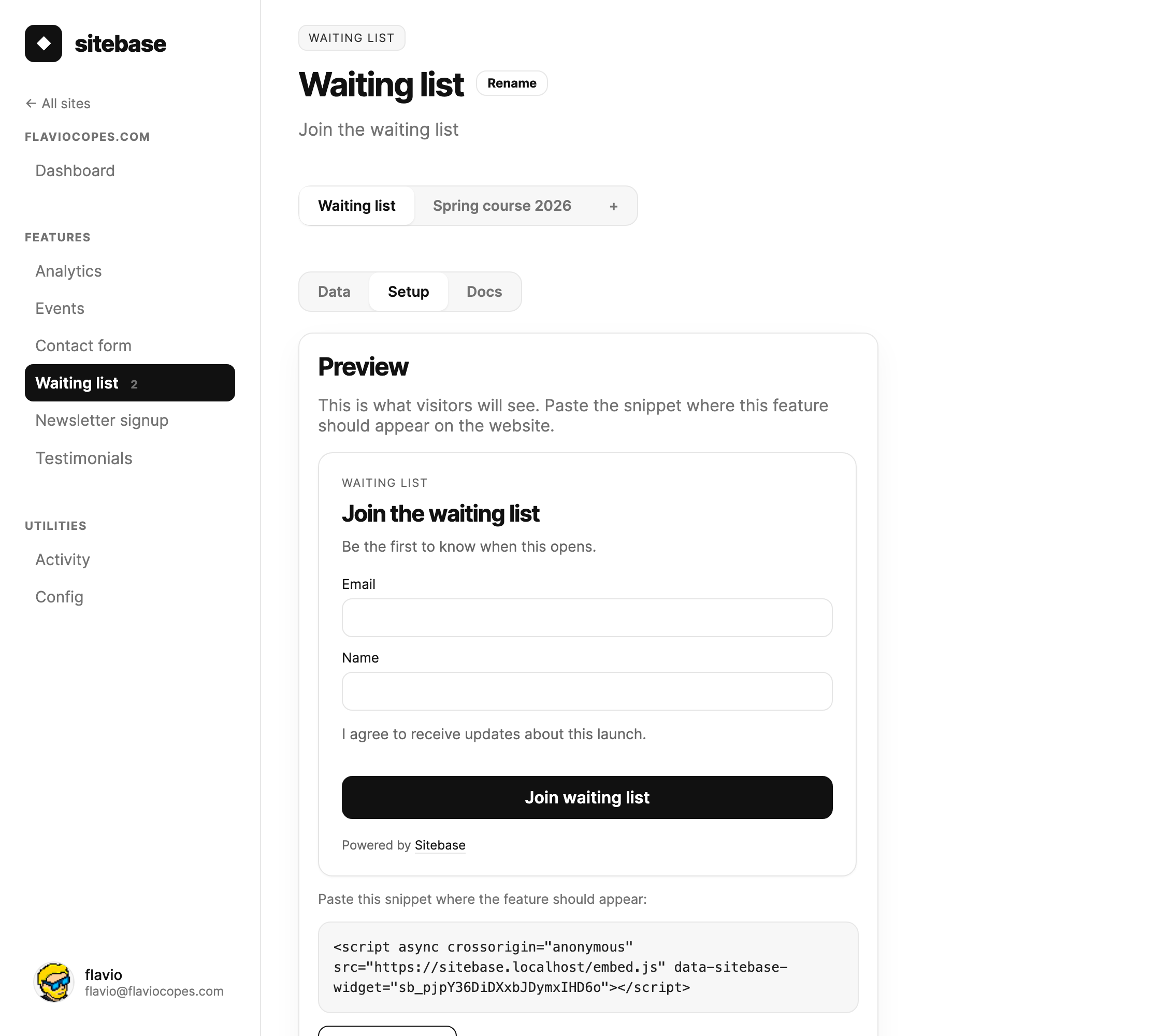
- Create a waiting list from your website's + Add more screen.
- Copy the script snippet from the Setup tab.
- Paste it where the signup form should appear.
- New people appear in the Data tab, with signup charts and CSV export.
Multiple lists
A website can have several waiting lists. Use one per course, launch, or product. Each list has its own name, snippet, hosted embed URL, and subscriber roster.
The same email can join several lists. That is useful when one person wants updates about more than one offer.
What you get
- A subscriber list per waiting list.
- A 30-day signup chart once data arrives.
- Dashboard and email notifications for new signups.
- A
waitlist_signupevent in Events.
Next: Countdown timer