Lead magnet
A lead magnet is a gated download. Visitors enter their email, receive the file by email, and land on a subscriber list.
Why email delivery matters
Sitebase does not hand the file out directly on the page. The download link is sent by email, so the visitor needs a working inbox to receive it.
Opening the emailed download link confirms the subscriber. In the Data tab, people show as sent until they open the link, then as downloaded.
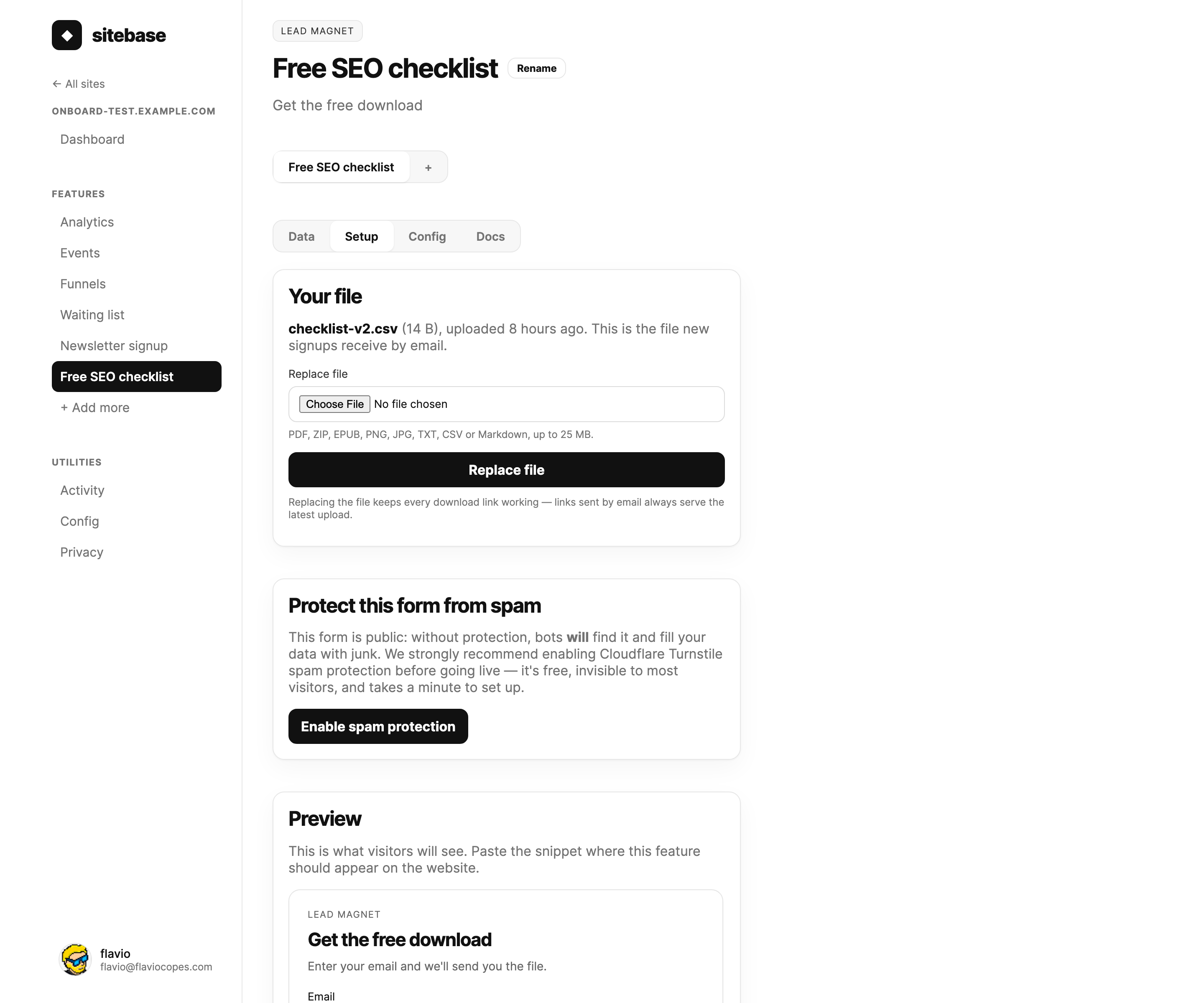
Setting it up
- Create a Lead magnet feature from your website's + Add more screen.
- Upload the file in the Setup tab.
- Copy the embed snippet and paste it on your site.
- Watch requests arrive in the Data tab.
Upload first. Until a file exists, the form will not accept signups, because there is nothing Sitebase can deliver.
Files and replacements
Supported uploads are PDF, ZIP, EPUB, PNG, JPG, TXT, CSV, and Markdown files, up to 25 MB.
You can replace the file later. Old email links keep working and serve the latest upload. If someone submits the same email again, Sitebase sends the download email again instead of creating a duplicate subscriber.
Multiple downloads
A website can have several lead magnets. Use one per checklist, guide, template, or PDF. Each one has its own snippet, file, and subscriber list.
What you get
- A subscriber list per lead magnet.
- Delivery labels: sent and downloaded.
- A resend action for people who lost the email.
- A
lead_magnet_signupevent in Events.
Next: Forms