Features
Features are the ready-made things you add to a website: forms, lists, testimonials, consent, legal pages, and conversion helpers. Pick the feature you need, copy the snippet, and move on.
Capture and grow
Trust and compliance
Operations
Your website's features
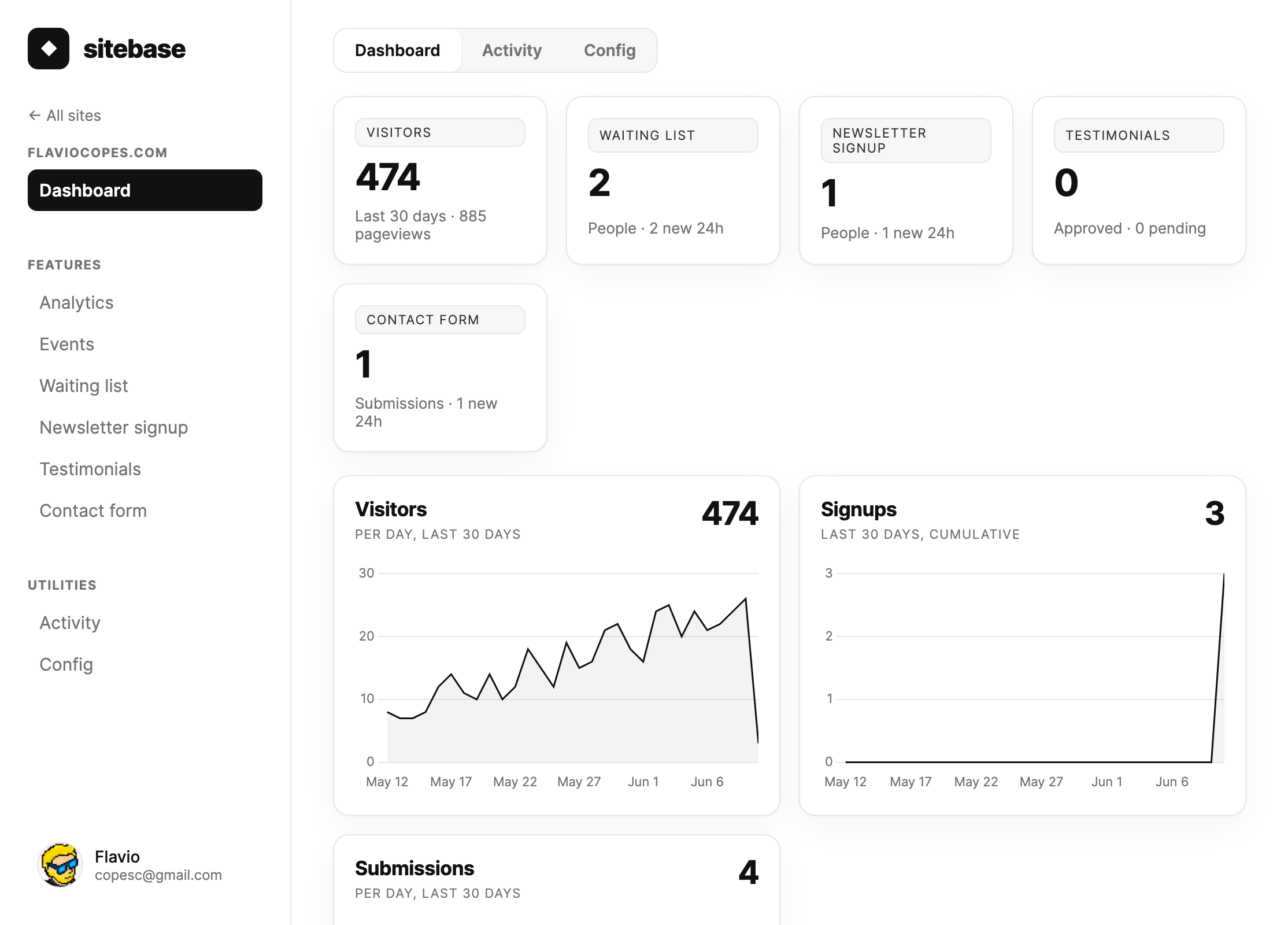
Open a website from the dashboard and the sidebar shows the features already enabled for that site. Analytics, Events, and Funnels are built in. Other features appear after you add them from + Add more in the sidebar.
Events is where you inspect pageviews, feature events, and custom events. Funnels turns those same events into conversion paths, so you can see where visitors continue and where they drop off.
How feature pages work
Each feature page in the dashboard has the same rhythm. Setup shows the live preview, the script snippet, and the hosted embed URL when that feature supports one. Data appears once the first submission arrives. Docs gives you the exact attributes and URL parameters for that feature.
Some features can have several instances on the same site. Waiting lists, countdown timers, lead magnets, and forms work this way, because you often need one per launch, course, product, file, guide, or custom workflow.
Notifications
Every submission — a form response, job application, testimonial, newsletter subscriber, lead magnet signup, waiting list signup, contact message, or uptime alert — creates a notification on your dashboard home page and sends an email to you and your collaborators.
You decide which emails you get, at two levels:
- Global defaults — your profile has an email notification toggle per activity type. These apply to all your websites.
- Per-website overrides — each website page has a Notifications tab where any activity type can be set to On or Off just for that site, overriding your global default. Maybe you don't care about newsletter signups on one site but want every single one from another.
Preferences only affect emails: dashboard notifications always show up, so nothing gets lost. Each collaborator has their own preferences.
Next: Embedding