Websites
Everything in Sitebase belongs to a website. Features, submissions, and themes are all scoped to the site they live on.
The dashboard overview
When you log in, you land on the Overview page. At the top you'll find activity metrics across all your websites — people in your lists, new signups in the last 24 hours, submissions today — along with charts of signups and submissions over the last 30 days. Below them, your notifications.
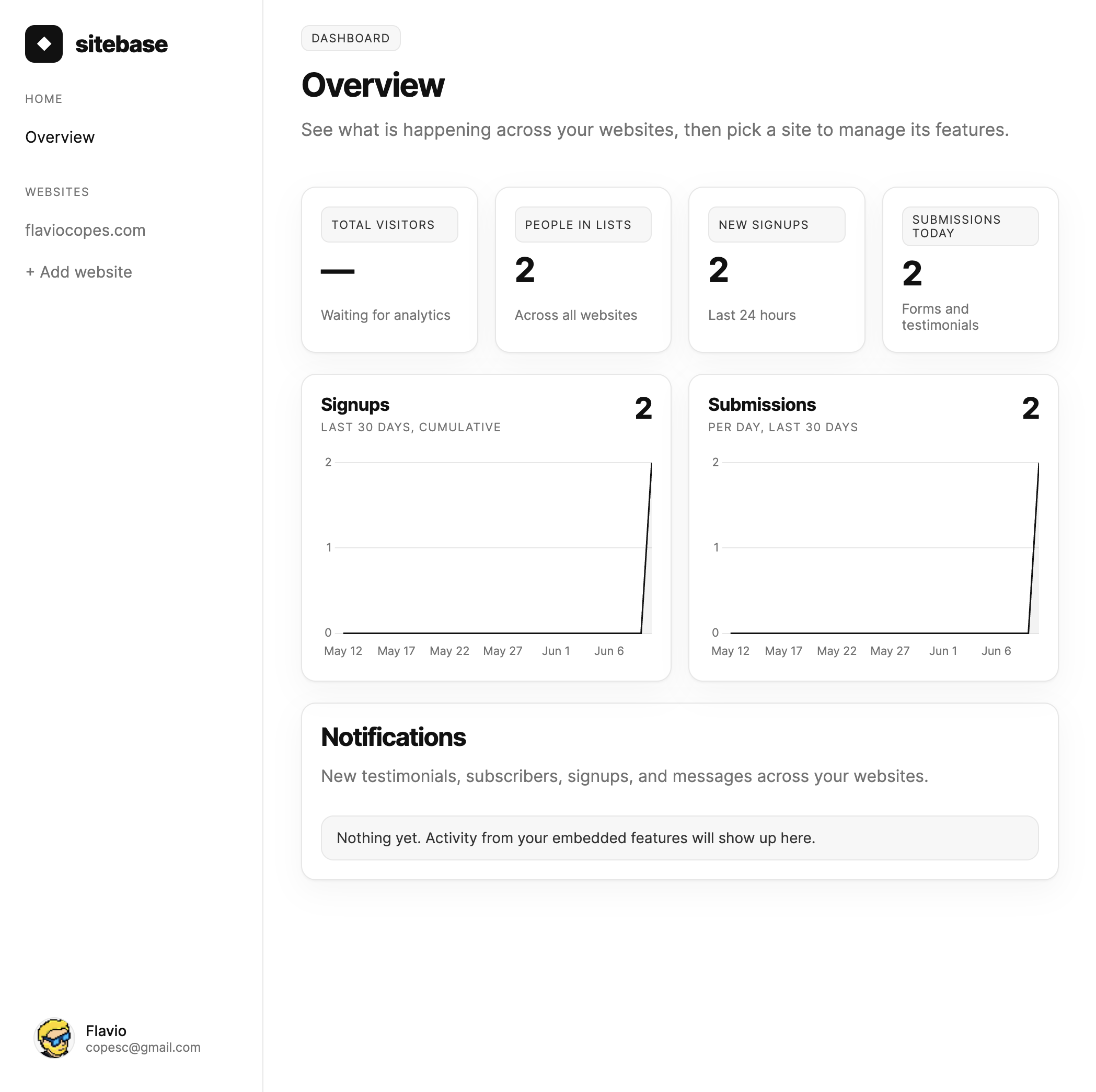
Your websites are listed in the sidebar. Click one to manage it. On small screens the sidebar tucks away behind the menu button in the top-left corner — tap it to open the same navigation as a drawer.
The website page
Each website page is driven by the sidebar. Dashboard shows metrics and charts scoped to that site, with a stat panel per feature — click one to open it. Visitor analytics lives in the sidebar as the first feature, Analytics — see Analytics. Activity is the audit log; Config holds per-website settings: notification overrides, on Pro and above the option to hide the "Powered by Sitebase" branding on embedded features, and the Appearance panel with the site theme. Events and Funnels live beside Analytics: Events is the stream of pageviews and actions, Funnels measures conversion through ordered steps.
While you're on a website (or one of its features), the sidebar shows ← All sites to return to the overview, then the site name in uppercase (like a section heading), with Dashboard beneath it. Features lists Analytics, Events, and Funnels first, then your embedded features. Utilities at the bottom holds Activity (audit log), Config (notifications, branding, appearance), and Privacy (search, export, or erase visitor data by email for GDPR/CCPA requests).
Adding a website
Right after checkout you land on the Add your first website wizard. To add another one later,
click + Add website at the bottom of the sidebar. The wizard has three steps: enter your domain
(like flaviocopes.com), pick the features you want to start with, and choose your site's platform.
You land on the new website's page right away, and the sidebar shows only the features you selected plus
+ Add more for enabling others later.
If your plan's website allowance is used up — Starter includes a single website — that page proposes the next plan instead: a card with its price and limits and a one-click Upgrade button, plus a link to the full plan table on billing. On the largest self-serve plan it points you to Enterprise.
Notice the not installed badge next to the domain on a website page. It means Sitebase hasn't seen any traffic from your site yet. It switches automatically as soon as the first pageview arrives — from an embedded feature or from the analytics snippet.
How many websites can I have?
Starter includes 1 website, Pro includes up to 5, Business includes up to 20, and Agency includes up to 50 — the billing page in your dashboard shows the full breakdown.
Next: Features